VideoLAN, a project and a non-profit organization.
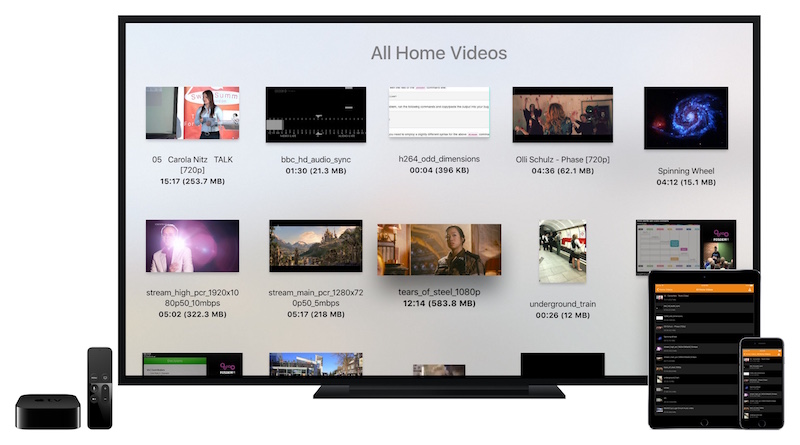

VLC for Apple TV
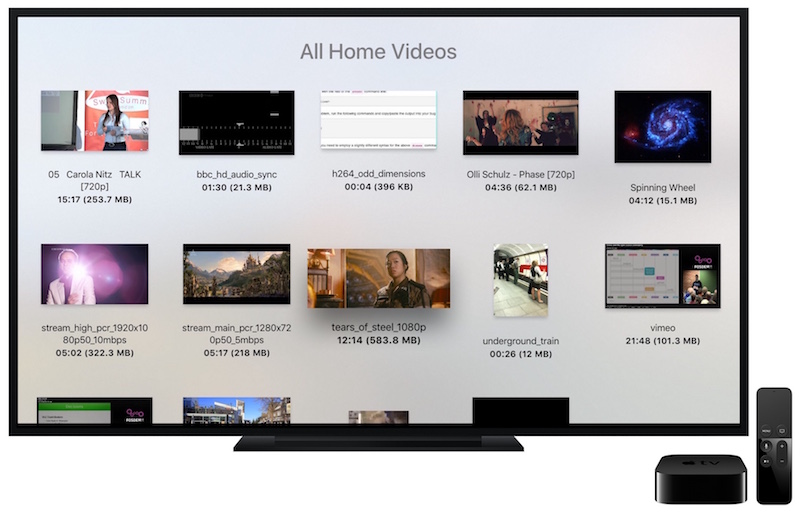
VLC on the Apple TV allows you to get access to all your files and video streams in their native formats without conversions, directly on the new Apple device and your TV. Following the VLC goal "VLC plays everything and runs everywhere", you will get every feature and format support you are used to in VLC, and a few Apple TV specific features. And, following VideoLAN's mission, VLC on the Apple TV is fully free and open source, and available right now on the App Store.

Search the store on Apple TV
Version 3.7.0 • Apple TV - tvOS • 21.7 MB
Version 3.7.0 • Apple TV - tvOS • 21.7 MB
Features
- Play all files, in all formats, including exotic ones, like classic VLC media player.
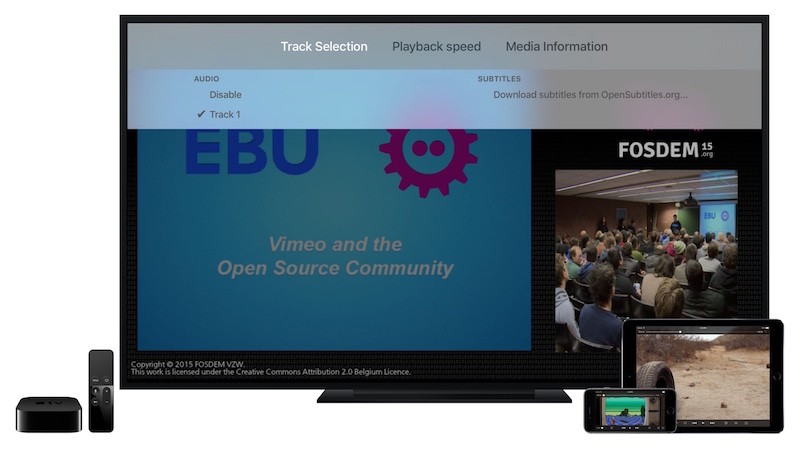
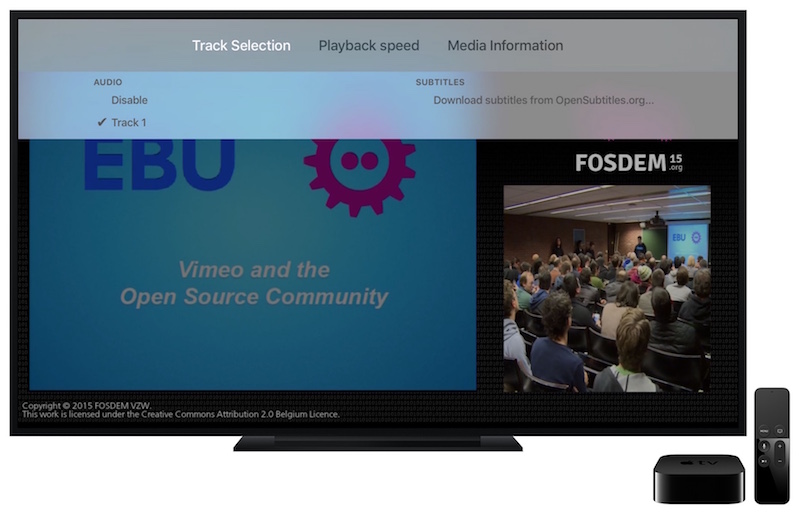
- Play MKV, multiple audio tracks, and subtitles tracks (including SSA!).
- Support for network streams, including HLS, MMS or RTSP.
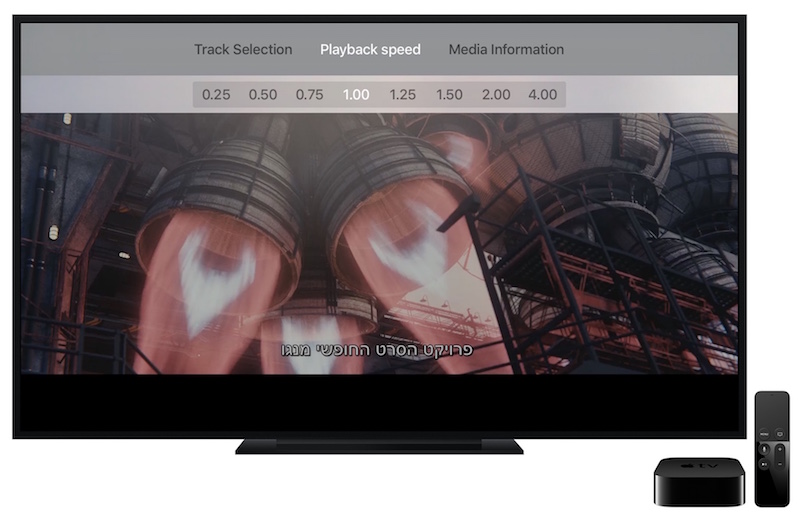
- Playback speed manipulation and fine seeking.
- Web Interface for easy playback from any device.
- Integration for bluetooth headsets including spatial audio for AirPods Pro and Max.
- Full support for file servers (SMB / Windows shares, NFS, SFTP and FTP)
- Local Network service discovery with UPnP and native support for Plex
- On-the-fly audio and subtitles track synchronization
- Full 64bit support
- Completely free, libre and open source.
Devices and tvOS version
VLC for Apple TV requires tvOS 11.0 or later. It runs on Apple TV HD and any generation of Apple TV 4K. Previous devices are not supported.
Support
You need help with VLC for Apple TV? Be sure to check our forum.
Source
You can find the source code for the latest release here:
VLC for Apple TV 3.7.0 source code
License
VLC for Apple TV is bi-licensed under the Mozilla Public License Version 2 as well as the GNU General Public License Version 2 or later. You can modify or redistribute its sources under the conditions of these licenses. Note that additional terms apply for trademarks owned by the VideoLAN association.
