VideoLAN, a project and a non-profit organization.
VLC for Unity
vlc-unity is an integration of the LibVLC engine with the Unity 3D game engine. This project allows to embed LibVLC inside a Unity-based game.
Since Unity apps and games are built using C#, LibVLCSharp is used for the scripting part when interacting with LibVLC in Unity. The rest of the plugin code, transparent to Unity users, is written in C++ for maximum performance and ease of use of the various graphics APIs (OpenGL, Direct3D).

Supported platforms
- Windows Classic
- Minimum OS version: Windows 7
- ABI supported: x64
- Graphics API: Direct3D 11
- Windows Modern (UWP)
- Minimum OS version: Windows 10
- ABI supported: x64, ARM64
- Graphics API: Direct3D 11
- Android
- Minimum OS version: Android 4.2 (API 17)
- ABI supported: armeabi-v7a, arm64-v8a, x86, x86_64
- Graphics API: OpenGL ES 2/3
- iOS
- Minimum OS version: iOS 9
- ABI supported: ARM64. Simulator support will come later.
- Graphics API: Metal
- macOS
- Minimum OS version: macOS 10.11
- ABI supported: Intel x64, Apple Silicon ARM64
- Graphics API: Metal
Sample scenes
Several Unity sample scenes are available to help you get started quickly!
- A minimal playback example with buttons
- 360 playback with keyboard navigation built-in
- A video with subtitles showcasing support
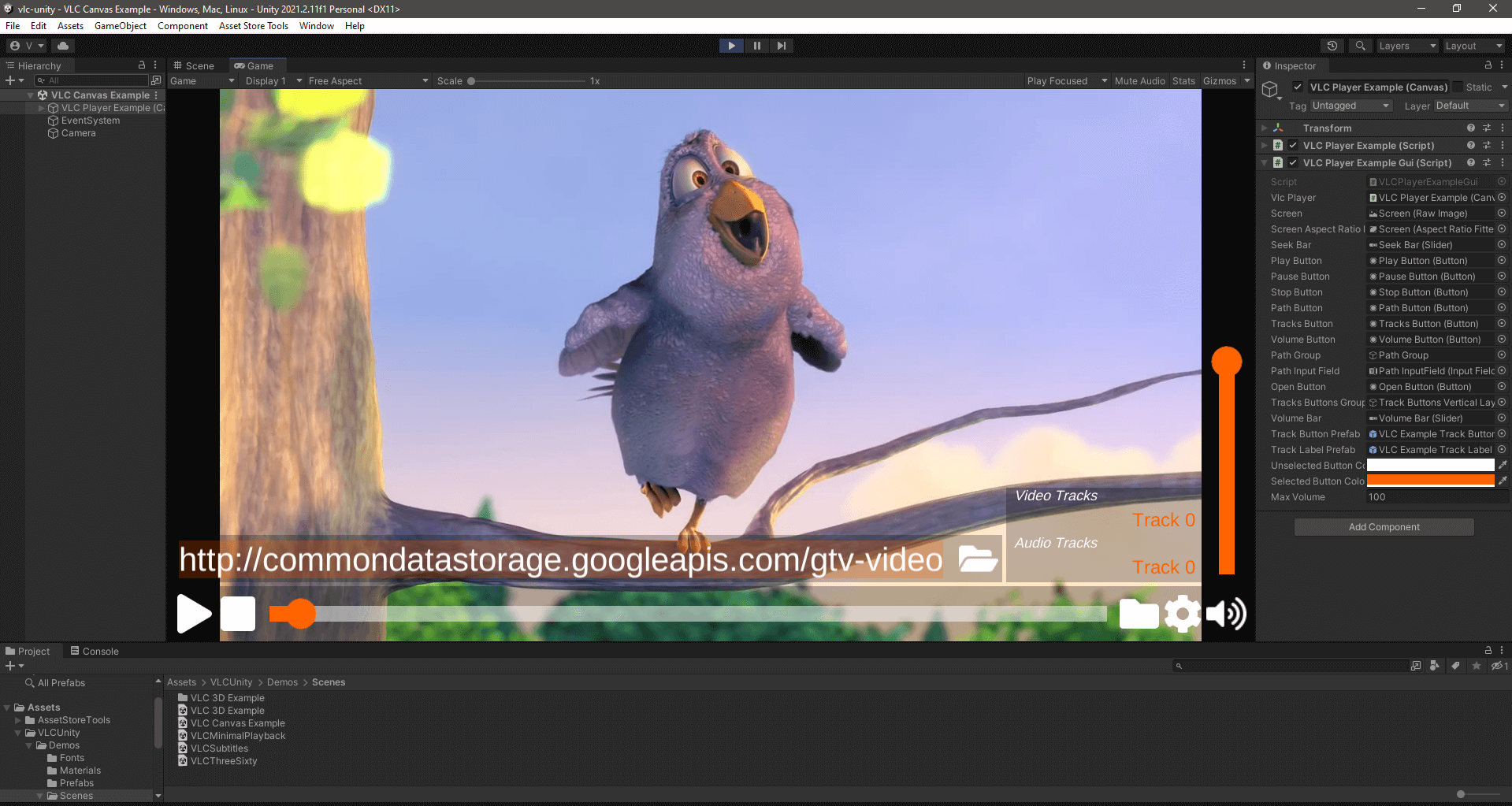
- The VLCPlayerExample provides a great base with more controls
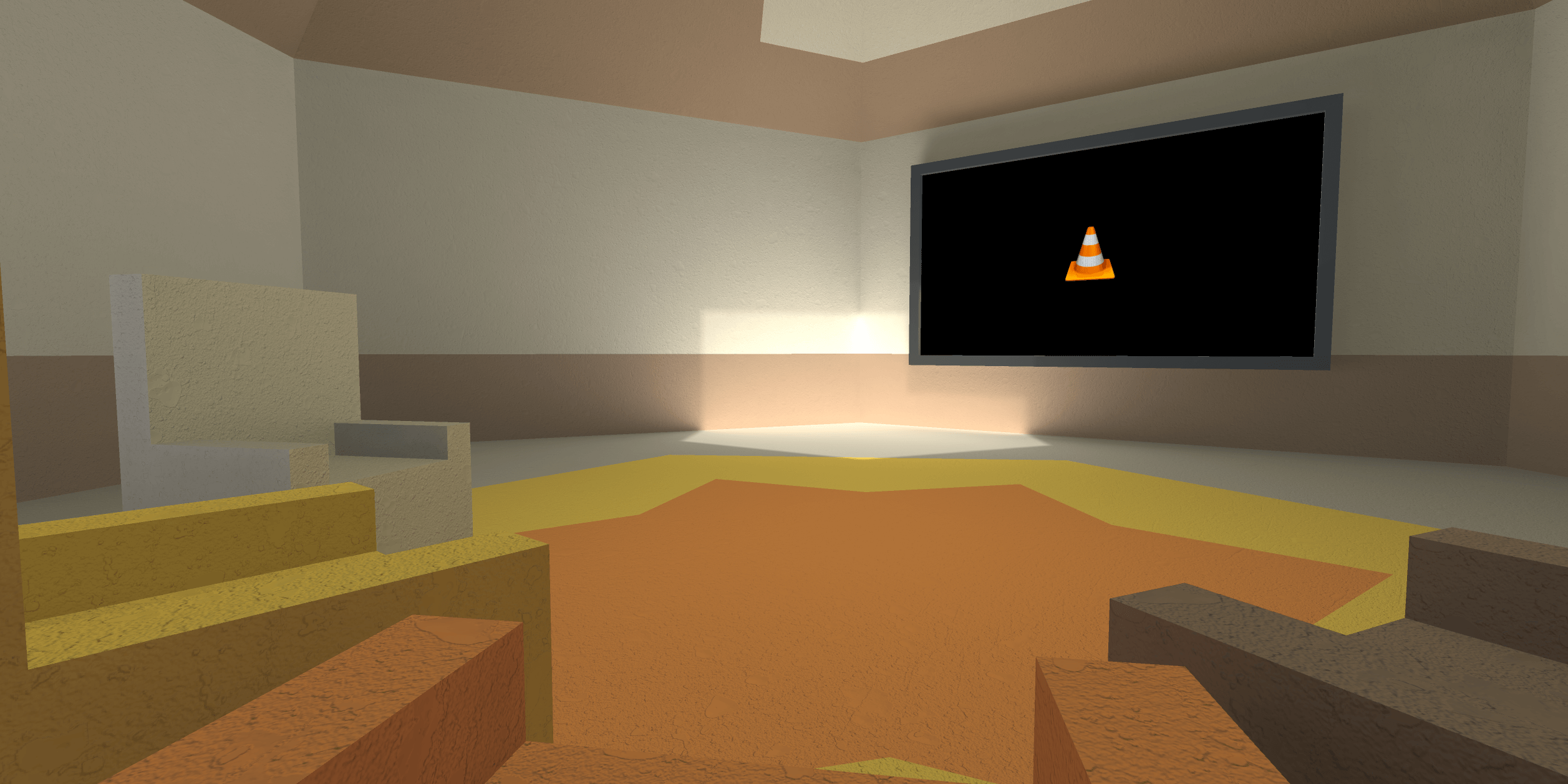
- 3D scene you can move around in with a movie screen and chairs in a cinema room
Support
User support and development is handled in the GitLab repository.
Development
vlc-unity is available through git at:
git clone https://code.videolan.org/videolan/vlc-unity
The source code can be browsed online at code.videolan.org.
Contributions are welcome as merge requests in our gitlab repository.